Axion Schedule · New in Axion
Booking that lives inside Axion.
Share a link. The other person picks a time that’s actually open—checked against Google Calendar, Microsoft 365, Outlook.com, Hotmail.com, Live.com, Exchange, ActiveSync, Salesforce, Covetrus apps (Pulse, AVImark), or Axion’s own built-in calendar. The request lands on your calendar with reminders and notifications already handled. All of it inside Axion’s communications platform, once Axion Schedule is active on your account.
“When are you free?” shouldn’t be a three-message conversation.
Someone calls, someone checks a calendar, someone calls back. Consults, vendor visits, interviews, follow-ups: the same back-and-forth, one meeting at a time. Axion Schedule hands that part to a link.
Axion Schedule lives inside Axion, alongside calling, texting, and team chat, and reads the calendars your team already keeps. Once it’s active on your account, your availability has one home.
Booking that stays inside Axion.
Share availability, not your calendar
Set working hours, off days, and holidays. Bookers see open slots only.
Event types for the meetings you take most
Define a 15-minute intake call, a 30-minute consult, a 60-minute vendor review—each with its own duration and location. Share one link or your whole booking page.
Buffers, limits, and booking windows
Add breathing room between meetings. Cap how many bookings you’ll take per day or week. Decide how far in advance people can book.
Conflict checking across the calendars you connect
Choose which calendars count—Google Calendar, Microsoft 365, Outlook.com, Hotmail.com, Live.com, Exchange, ActiveSync, Salesforce, Covetrus apps (Pulse, AVImark), or the built-in calendar. If you’re busy on any of them, the slot closes. If you’re free on all of them, it opens.
Team scheduling
For users with the right permissions, let a booker pick a date and see who’s available, or choose a specific team member. Group scheduling shows only the slots where everyone required is free.
Embed it anywhere
Drop the scheduler onto your website, a landing page, or a profile. Bookers don’t need an Axion account.
Bring the calendar you already have.
Axion Schedule connects to the calendars your team runs on today. Some receive bookings; some are read so a slot that is already committed isn’t offered.
Bookings are written here:
- Axion’s built-in calendar
- Google Calendar
- Microsoft 365, Outlook.com, Hotmail.com, Live.com
- ActiveSync
- Exchange
Read for availability:
- Salesforce
- Covetrus apps: Covetrus Pulse, AVImark (read-only)
Connect any or all of them. Choose one read-write calendar to receive new bookings, then check every calendar—including Salesforce and Covetrus apps (Pulse, AVImark)—that should count toward whether a slot is open. Bookings are never written to Salesforce or the Covetrus apps (Pulse, AVImark); they’re read so Axion Schedule knows when you’re already committed.
Set it up. Connect a calendar. Share the link.
Admins set the defaults
Availability, unavailability, time zone, buffer time, meeting limits, advance-booking window, and reminders—defined once for the team. Choose whether individuals can adjust their own settings or inherit yours. Admin settings are for users with the right permissions.
Each person connects their calendars
Choose where new bookings are written—the built-in calendar, Google Calendar, Microsoft 365, Outlook.com, Hotmail.com, Live.com, ActiveSync, or Exchange—and which calendars are checked for conflicts. Salesforce and Covetrus apps (Pulse, AVImark) can be checked too, read-only.
Share the link
Copy your booking page, a single event-type link, or an embed code. The booker picks a date and slot, then adds invitees, a location, and an agenda.
It’s on your calendar
See every booking request in your calendar view. Review, edit, or cancel from there. Reminders and email notifications go out automatically.
No outside calendar?
No problem.
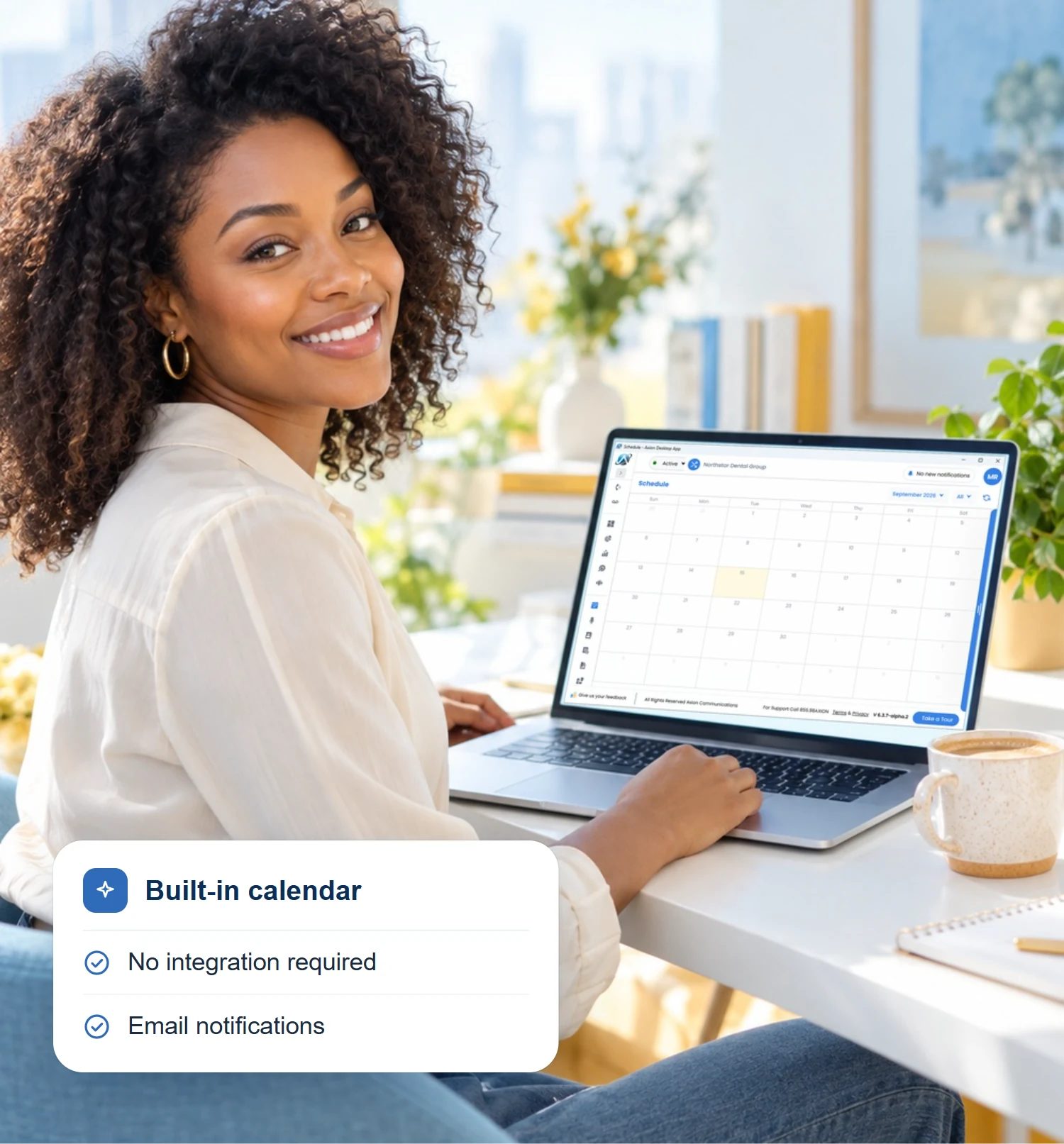
Axion Schedule has a built-in calendar, no integration required.
- Create events, add attendees, and get email notifications when something is added.
- Keep one calendar or add several and filter your view by any of them.
Axion Schedule books against the built-in calendar exactly as it does against Google Calendar, Microsoft 365, Outlook.com, Hotmail.com, Live.com, ActiveSync, or Exchange, so a team can start booking as soon as each person finishes setup.
Anyone who fields the question more than once a day.
Practices and clinics
Stop scheduling consults, intake calls, and follow-ups one phone call at a time. Send a link, the other person picks an open slot, and it lands on your calendar. Veterinary practices on Covetrus Pulse or AVImark can have Axion Schedule count their practice appointments when it calculates open slots.
Multi-location teams
One place to see who’s available across locations, across the calendars each location connects. Let bookers choose a person, a date, or a group.
Managed service providers and channel partners
Give the clients you work with a professional way to book support reviews, onboarding sessions, and QBRs, with Salesforce checked for availability if that’s where your team keeps its calendar.
By far, they are the best VoIP provider that I have worked with. Great support… You can’t ask for anything better.
Frequently asked questions
Do the people booking with me need an Axion account?
No. Bookers use a public link or embedded page. They select a time, add their details, and receive an email notification.
Which calendars does Axion Schedule work with?
Axion’s built-in calendar, Google Calendar, Microsoft 365, Outlook.com, Hotmail.com, Live.com, ActiveSync, Exchange, Salesforce, and Covetrus apps (Pulse, AVImark). New bookings can be written to the built-in calendar, Google Calendar, Microsoft 365, Outlook.com, Hotmail.com, Live.com, ActiveSync, or Exchange. Salesforce and Covetrus apps (Pulse, AVImark) are read for availability only.
Which calendars can Axion Schedule check for conflicts?
Any of them you connect. You choose which ones count toward availability; if you’re busy on any of them, the slot closes.
Does Axion Schedule book appointments into my Covetrus software?
No. Covetrus Pulse and AVImark are read so Axion Schedule counts your practice appointments when it calculates open slots. It doesn’t write to them. Keep using your Covetrus software for patient appointments; use Axion Schedule for the meetings that happen around them.
Can I control what a booker sees about my team?
Yes. Admins decide whether booking pages show a first name only, full name, first name and last initial, email, and team.
Can I limit how many bookings I take?
Yes. Set daily or weekly meeting limits, add buffer time between meetings, and cap how far in advance people can book.
What happens after someone books?
The request appears in your calendar view and everyone involved receives an email notification. You can review, edit, or cancel from the calendar, and reminders go out on the schedule you configured.
Where can I use it?
Axion Schedule is in the Axion desktop app once it’s active on your account.

Ready to stop playing phone tag?
Tell us how your team books today and which calendars you keep, and a rep will follow up on where Axion Schedule fits.
"*" indicates required fields
Modern Technology. Classic Service.
Business communications on one UCaaS platform—calling and team chat, with optional modules for texting, reminders, VFAX, and AI call analysis.