

Reminders And Follow-Ups That Send Themselves
Axion Engage sends appointment reminders, confirmation requests, and follow-ups by text and email on the schedule you set, from inside your Axion account. Set a rule once, and it runs without someone remembering to send it.
Want to Learn More?
Why Run Reminders And Texting Inside Axion?
Axion Engage reads the Salesforce and Google data already connected to your Axion account and does the reminding, so the front desk isn’t working through a call list between phone calls. Everything stays inside Axion, next to your calls, fax, and reporting—one platform, one login, no second vendor.
Integrations That Do Real Work
We don’t sell on a count of logos. Every connection below does a job inside a working day.


Axion Engage reads the Salesforce and Google data connected to your Axion account. Need another source? Our team will scope it with you and quote it up front.
See What Went Out And Who Answered
The Axion Engage dashboard shows the texts and emails sent and the responses that came back. Filter by period and export the log to CSV.
Want to Learn More?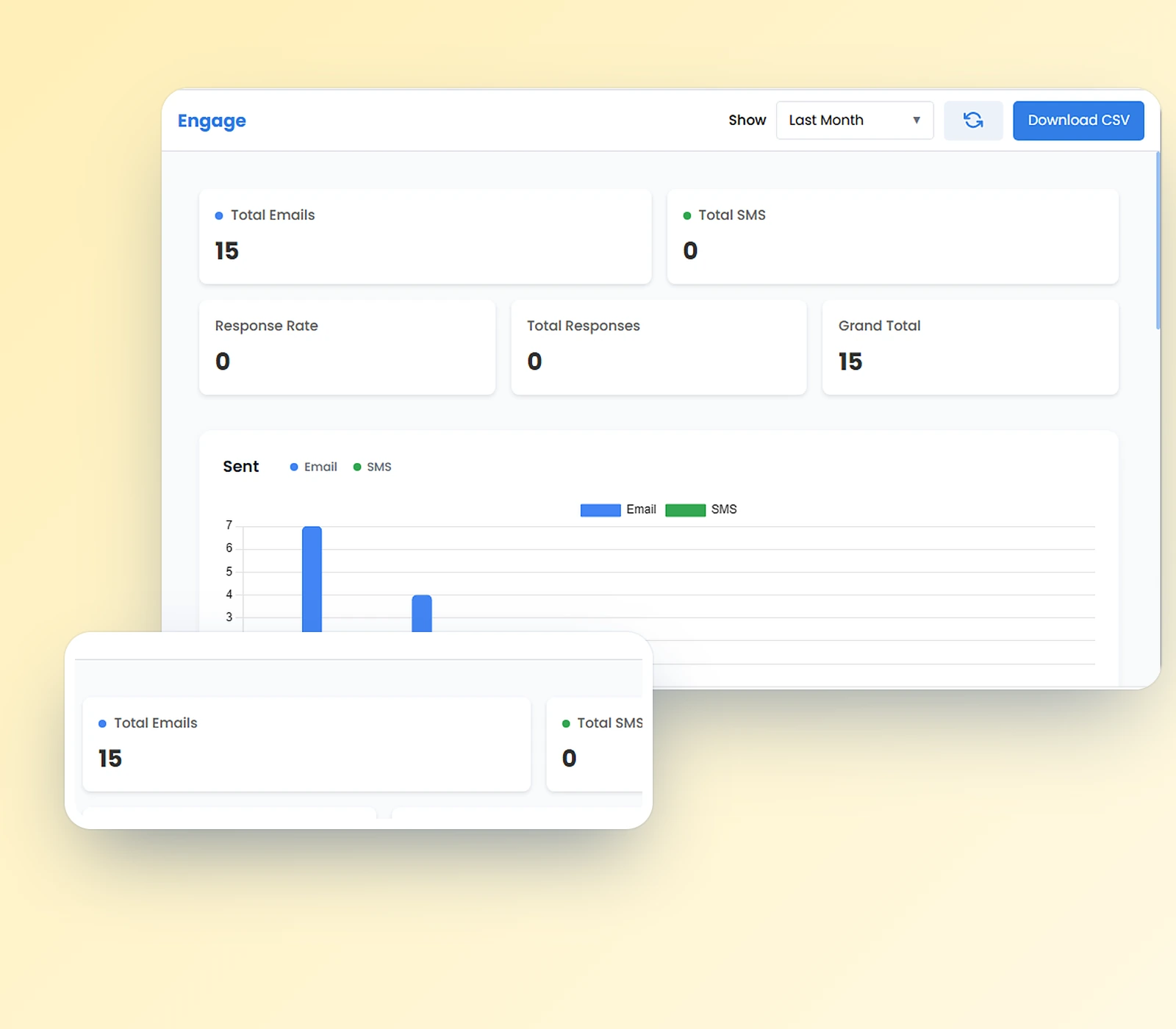
An Optional Module You Choose, Quoted Up Front
Axion Engage runs on an active Axion account with a connected Salesforce or Google account. Texting also needs an SMS-enabled number, and Axion handles 10DLC registration on our side so your texts are set up for delivery. Axion Engage is quoted line by line in the first conversation, in writing, so you know what it adds before you decide.
Want to Learn More?


All-in-one business communications—calling, texting, VFAX, team chat, and AI call analysis on one UCaaS platform.